Content planning is the first thing to fall apart when you get busy. You start with good intentions, but soon you’re posting whenever you remember, and the quality suffers. A sustainable content calendar isn’t about strict schedules or daily quotas — it’s about creating a system that works with your energy, not against it.
In this post, I’ll walk you through how to build a content calendar in Notion that actually works for the long haul. We’ll cover everything from choosing your content pillars to setting up a review process that keeps you consistent without burning out.
### Why Most Content Calendars Fail
Most content calendars fail because they’re built on optimism, not reality. They assume you’ll have the same energy and time every week. But you don’t. Some weeks you’re on a roll; others you’re just surviving. A sustainable calendar accounts for that.
Another common mistake is making the calendar too complex. If it takes more than five minutes to update, you’ll stop using it by the second month. You need a system that’s simple enough to become a habit.
### The Core Components of a Calm Content Calendar
Start with these three databases: Content Ideas, Editorial Calendar, and Published Tracker. The Ideas database is your capture zone — every random thought, headline, or inspiration goes there. The Editorial Calendar is where you schedule pieces, and the Published Tracker records what’s gone live.
Use relations to link them. Each idea can be turned into a scheduled piece, and each scheduled piece becomes a published piece. This keeps your pipeline clean without overcomplicating things.
### Setting Up Your Calendar View
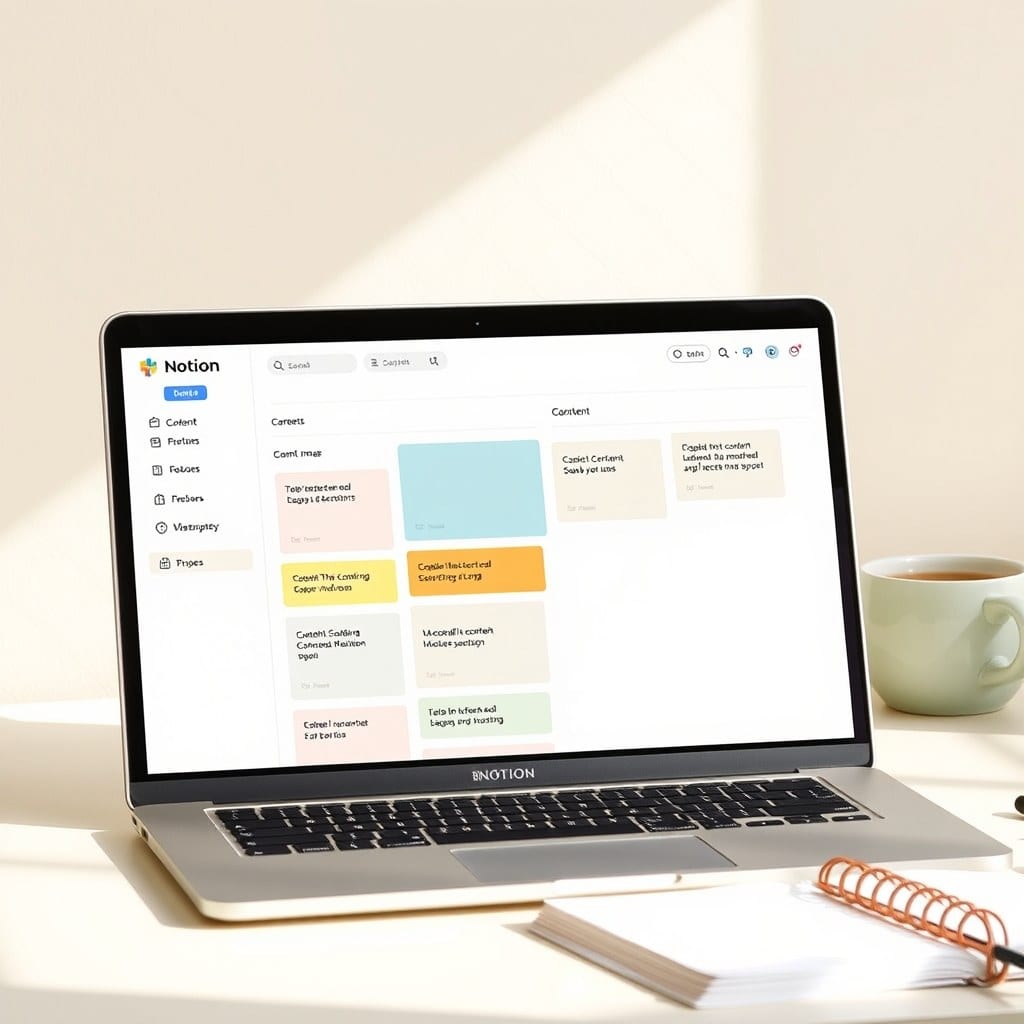
Your main view should be a calendar view showing scheduled pieces. Group by status (Idea, Draft, Scheduled, Published) so you can see at a glance where everything stands. Add filters to hide past dates and only show upcoming.
You might also want a board view grouped by content pillar. This helps you ensure you’re covering all your topics, not just the ones you’re excited about.
### Practical Workflow: From Idea to Published
Here’s the workflow I recommend: Capture ideas in the Ideas database whenever they come to you. Once a week, do a 30-minute planning session where you choose which ideas to move to the calendar. Assign a date and status.
On the day you’re supposed to create, you just open the calendar and see what’s scheduled. You don’t have to think about what to do next — the system tells you.
### Review and Adjust Weekly
Every Friday, spend 10 minutes reviewing your calendar. Move anything you didn’t finish to a later date. Mark published pieces. Clean up the Ideas database. This weekly review is what keeps the system sustainable.
Don’t feel bad if you don’t hit every date. The goal is not to fill every slot; it’s to have a clear plan that you can adjust as life happens.
### A Template That Does the Heavy Lifting
If you’d rather not build this from scratch, our Content Calendar template is exactly what I’ve described. It’s ready to duplicate and includes all the views and relations set up. You’ll be up and running in five minutes.
### Final Thoughts
A sustainable content calendar is not about rigid rules. It’s about having a system that supports your creative flow. Start simple, keep it simple, and adjust as you go. Your future self will thank you.