
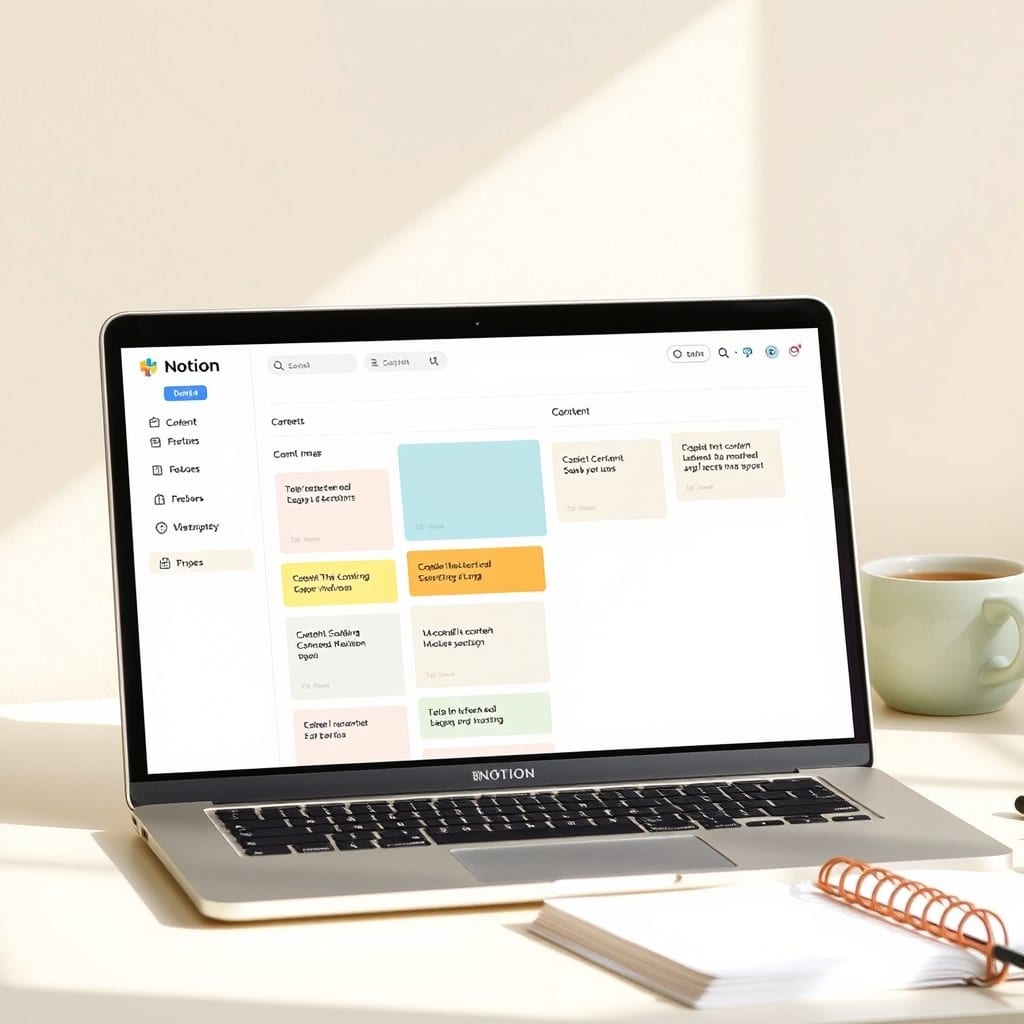
When I first started using Notion, my workspace was a mess. I had dozens of pages, half-finished databases, and a growing sense of dread every time I opened the app. The problem wasn’t Notion—it was that I never took time to step back and reflect on what I was tracking and why.
That changed when I discovered the weekly review. A weekly review is a short, recurring appointment where you look at your workspace, clear out the clutter, and set intentions for the week ahead. It’s the difference between a system that feels like a burden and one that feels like a support.
In this post, I’ll walk you through the exact ritual I use, how to adapt it to your own workflow, and why it’s the single most important habit for keeping your digital life organized.
## What Is a Weekly Review?
A weekly review is a 30-60 minute session where you:
– Close out open loops (tasks, emails, messages)
– Update your calendar and task list
– Clean up notes and files
– Review your goals and projects
– Set priorities for the upcoming week
The concept comes from Getting Things Done, but you don’t need to follow that system to benefit. The key is that it’s regular and intentional.
## Why It Matters for Notion Users
Notion is a blank canvas, which is both its strength and its weakness. Without structure, it becomes a dumping ground. A weekly review gives that canvas a frame. It forces you to decide what belongs in your workspace and what doesn’t.
For example, I used to keep a “Random Ideas” page that grew to over 200 items. After three weekly reviews, I had pruned it down to 20 and moved the rest into a “Someday” list. The page became useful again because I could actually see my best ideas.
## How to Build Your Own Ritual
Start by scheduling a recurring block of time—I prefer Sunday evening, but any time works. Then, create a checklist in Notion that guides you through the steps. Here’s mine:
1. Clear inboxes (Notion, email, messaging)
2. Review last week’s calendar and notes
3. Update project lists
4. Empty “someday” items or archive them
5. Set top three priorities for the week
Use a template like the one in our Weekly Review Kit to make this easier. The template includes prompts and a clean layout so you don’t have to think about the process.
## Tips for Sticking With It
The hardest part is consistency. Here’s what works for me:
– **Keep it short**: If a review takes longer than an hour, you’re being too thorough. Trim it down.
– **Make it pleasant**: Light a candle, play some music, or brew a cup of tea. Associate the ritual with comfort, not obligation.
– **Don’t skip two weeks in a row**: Missing one week is fine. Missing two makes it easy to fall back into chaos.
## What to Do When You Fall Behind
If you’ve neglected your workspace for months, don’t despair. Start with a “reset” review where you:
– Archive everything older than 90 days
– Delete duplicate pages
– Rename vague titles
– Move important items into a single “Active Projects” database
This is like decluttering a physical desk—it takes a few hours, but the clarity is worth it.
## The Takeaway
A weekly review is a small investment that pays off every day. It keeps your Notion workspace clean, your mind clear, and your priorities straight. In a world full of productivity advice, this is one practice that actually delivers. If you’re ready to build your own ritual, start with our free checklist—and let me know how it goes.