
When I started freelancing, my business ran on sticky notes, a messy inbox, and a prayer. It worked for about a month, until the first client said, “Can you send me that contract again?” and I spent 20 minutes searching my computer.
That’s when I decided to build a Notion system that could hold everything: client info, project timelines, invoices, and even my weekly to-do list. I wanted something simple enough to maintain, but robust enough that I never lost track of a deadline.
**The core structure**
I started with three databases: Clients, Projects, and Tasks. The Clients database holds contact info, project history, and notes. The Projects database links to the client and tracks status, deliverables, and deadlines. Tasks live in a separate database and can be filtered by project or date.
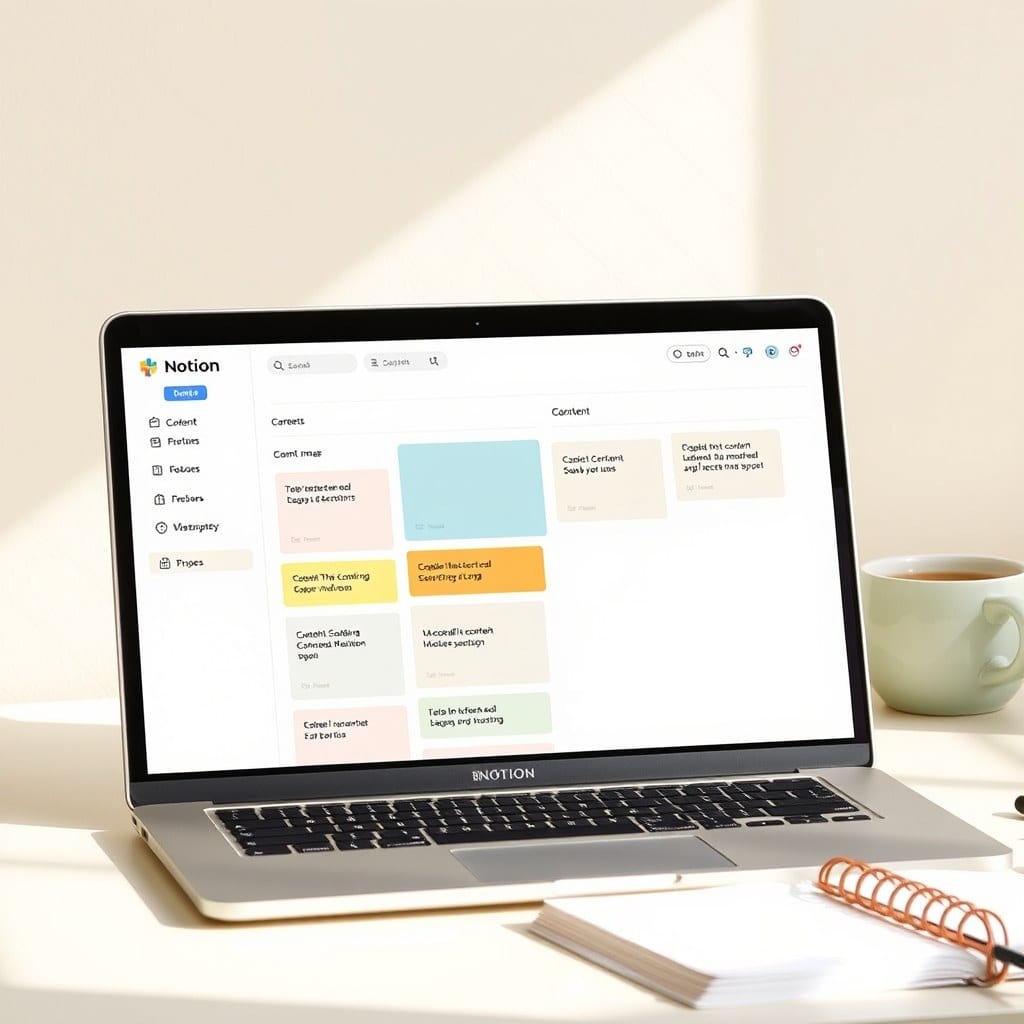
This might sound basic, but the magic is in the views. I have a dashboard that shows only today’s tasks, a board that groups projects by status, and a calendar that shows deadlines at a glance. It took me an afternoon to set up, and it’s been my operating system ever since.
**Why Notion works for me**
I’ve tried Trello, Asana, and even a paper planner. Notion is the first tool that doesn’t feel like a chore. The flexibility means I can shape it to my workflow, not the other way around. And because it’s always open in my browser, capturing a note or a task takes seconds.
One thing I learned: don’t overcomplicate it. My first version had seven databases and 20 views. I spent more time organizing the system than doing actual work. So I stripped it down to the essentials, and now it’s a tool I actually enjoy opening.
**The dashboard that changed everything**
My dashboard is a simple page with a few linked views. Today’s tasks, upcoming deadlines, and a list of active projects. It’s the first thing I see when I open Notion, and it tells me exactly where to start each morning.
I also added a weekly review button that resets my “focus” tasks. Every Sunday, I pick three priorities for the week. That’s it. Three. It keeps me from feeling overwhelmed and helps me say no to busywork.
**Making it your own**
If you’re thinking about building your own system, start small. Pick one area of your business that feels chaotic — maybe it’s client communication or project tracking — and build a simple database for it. Use it for a week, then adjust.
You don’t need to be a Notion expert. I learned everything from YouTube tutorials and just experimenting. The best system is the one you’ll actually use, so keep it simple and let it evolve with you.