Content creation feels like a treadmill. You post, you plan, you brainstorm, and somehow the next deadline always sneaks up. Most advice tells you to do more: post daily, batch shoot, hire a team. But for solo creators and small business owners, that’s a fast track to burnout.
The antidote isn’t more effort — it’s a sustainable system. A system that captures ideas when they strike, gives you a clear view of your week, and makes publishing feel like a simple step, not a mountain.
Here’s the thing: your content system should work like a garden, not a factory. You plant seeds (ideas), tend them (draft and refine), and harvest (publish) when they’re ready. The goal is to make the process feel calm and repeatable, not relentless.
Let’s build that in Notion. I’ll show you a simple setup that has worked for me and for clients — no complicated databases or automations required.
### The Core Structure
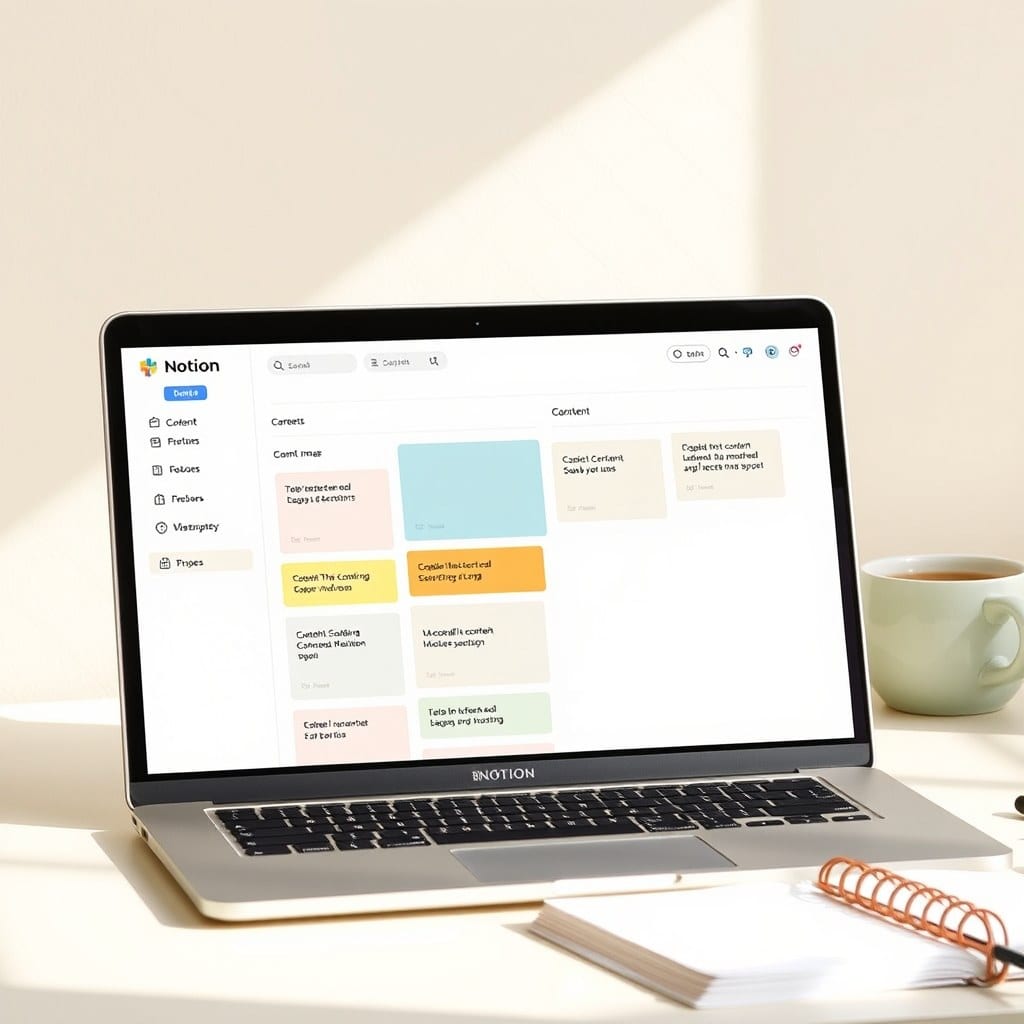
Start with three databases: Content Ideas, Content Calendar, and Published Pieces. Link them together with relations, but keep each view simple.
In “Content Ideas,” you only need three properties: Name, Type (blog post, video, social post), and Status (Idea, Drafting, Ready to Schedule). When an idea pops into your head, capture it here immediately. Don’t worry about organization yet. That can come later.
The “Content Calendar” is where you plan what goes out when. Each entry links to an idea, has a date, and maybe a platform (Instagram, YouTube, Newsletter). This gives you a bird’s-eye view of your month. If you see too many days empty, you know you need to seed more ideas.
Finally, “Published Pieces” is your archive. Once you publish, move the entry here. This isn’t just for nostalgia — it’s your proof of consistency. When you’re feeling stuck, scrolling through your archive reminds you that you’ve done it before, and you can do it again.
### The Weekly Review
Here’s the secret to sustainability: a weekly review. Every Friday, spend 15 minutes in Notion. Look at the next week’s calendar. Is anything missing? Do you have drafts ready? Clean up your ideas database — move stale ideas to ‘Archive’ or give them a new date.
This weekly touchpoint is what separates a system from a pile of notes. It keeps your data alive and your plan realistic. Plus, it’s a low-stakes habit that builds momentum.
### Batch Your Work (the Calm Way)
Batching doesn’t mean you have to cram 10 hours of content creation into one day. Instead, batch the thinking. On Sunday, plan your week. On Wednesday, write one blog post. On Friday, record a video. The point is to reduce context switching, which is mentally draining.
In Notion, create a template for your ‘Content Week’ — a checkbox list for each task. Duplicate it every week, and check things off as you go. This simple ritual gives you a sense of progress without needing a complicated tracker.
### Make It Yours
Remember, this is a template, not a prison. Adjust the properties to fit your workflow. If you love tags, add them. If you hate relations, skip them. The goal is to make it feel like a tool that serves you, not something you have to serve.
If you want a head start, I’ve created a Content OS template that you can duplicate directly into your Notion workspace. It’s the exact system I use, with room for your own tweaks.
### The Takeaway
A sustainable content system is about rhythm, not rigidity. By capturing ideas, planning ahead, and reviewing weekly, you’ll publish consistently without the panic. Your content will feel more like a natural extension of your work, not a chore.
Try it for a month. See how it feels to walk into each week with a clear plan. You might just find that the calm is the best part.